Login & authentication
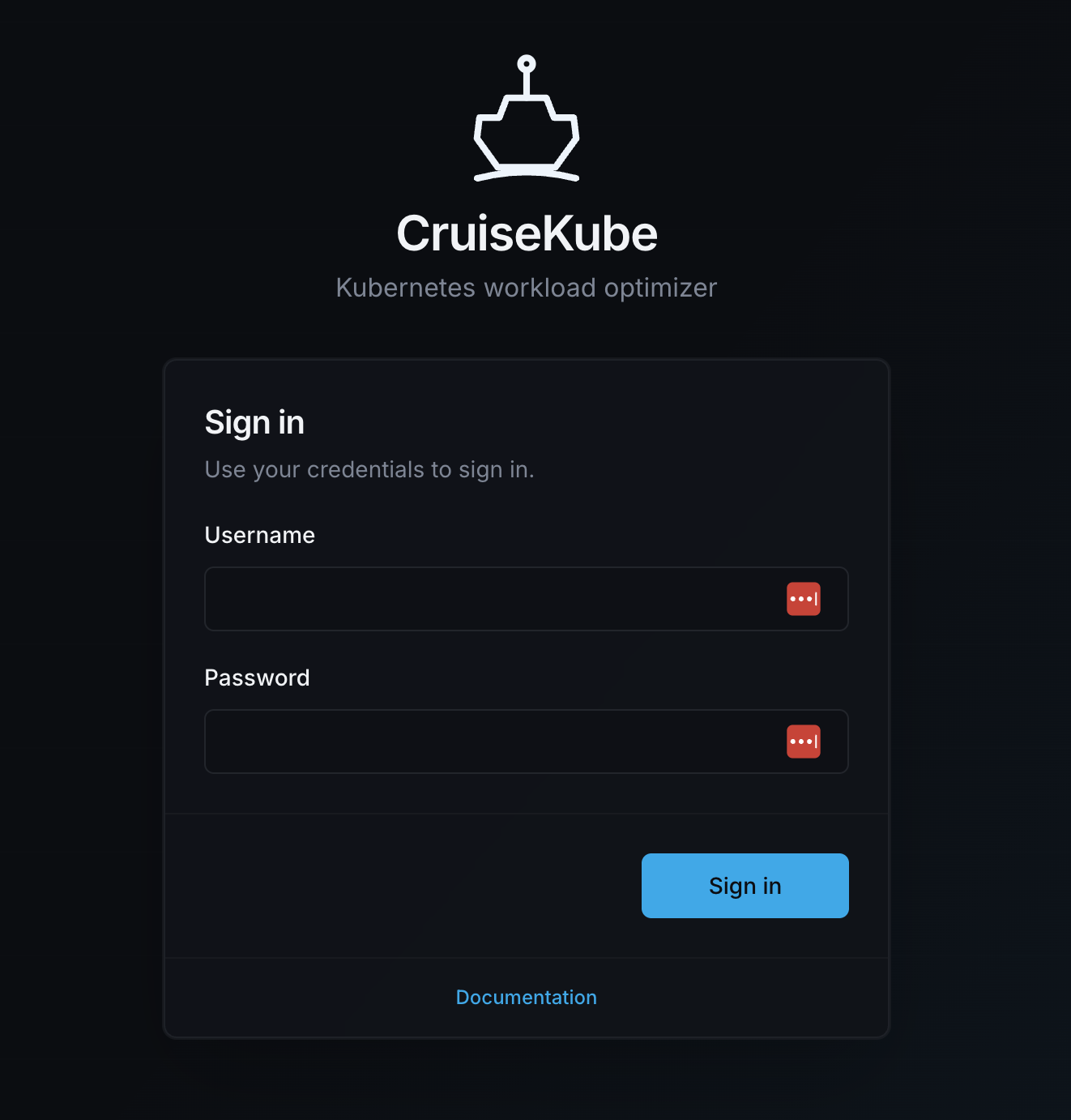
CruiseKube protects the controller HTTP API (and the dashboard, which proxies to that API) with HTTP Basic authentication. Users sign in through the web UI; the browser then sends Authorization: Basic … on subsequent API calls.
Helm values (how credentials are wired)
Credentials always come from a Kubernetes Secret in the same namespace as the release. Configure them under cruisekubeController.admin in your Helm values file or --set flags.
| Value | Purpose |
|---|---|
cruisekubeController.admin.enabled |
Enable or disable HTTP basic authentication. When false, the API is unauthenticated and the login page is hidden. Default: true. |
cruisekubeController.admin.existingSecret |
Name of a Secret you create and manage. When non-empty, the chart does not run the bootstrap Job and does not generate a password. |
cruisekubeController.admin.userKey |
Secret key for the username (default admin-user). |
cruisekubeController.admin.passwordKey |
Secret key for the password (default admin-password). |
The controller Deployment reads that Secret via environment variables (CRUISEKUBE_SERVER_AUTH_USERNAME / CRUISEKUBE_SERVER_AUTH_PASSWORD).
When existingSecret is empty, the chart uses a generated Secret name of the form {controller-fullname}-admin-credentials. For a typical release named cruisekube, the controller full name is cruisekube-controller, so the Secret is often:
cruisekube-controller-admin-credentials
Disabling authentication
To run CruiseKube without HTTP basic auth (for example, behind a VPN or corporate SSO proxy), set:
Then install or upgrade the release:
When authentication is disabled:
- The bootstrap hook does not create an admin Secret (existing Secrets are not deleted).
- The controller API accepts all requests without an
Authorizationheader. - The dashboard skips the login page and loads directly into the overview.
- The
POST /api/v1/auth/loginendpoint returns404.
To re-enable authentication, set cruisekubeController.admin.enabled back to true and upgrade. If no admin Secret exists, the bootstrap hook creates one with a new random password.
Security warning: Only disable authentication when the cluster is protected by network-level access control (VPN, firewall rules, SSO proxy, etc.). Without authentication, anyone who can reach the CruiseKube service can view and modify workload configurations.
How the password is generated (first install)
If cruisekubeController.admin.existingSecret is not set:
- A pre-install / pre-upgrade Helm hook runs a short bootstrap Job (resource name
…-bootstrap-secrets) in the release namespace. It may also create or patch the chart-managed controller runtime-data Secret (usage-telemetryinstall-idkey) when enabled. - If the Secret already exists, the Job exits without changes (so upgrades keep the same password).
- If the Secret does not exist, the Job creates it with:
- Username fixed to
cruisekube(stored underuserKey). - Password a random 32-character string from
A–Z,a–z, and0–9(stored underpasswordKey).
Implementation lives in the chart template charts/cruisekube/templates/controller/bootstrap-secrets-job.yaml (RBAC in bootstrap-secrets-rbac.yaml).
How to read the username and password
After helm install / helm upgrade
The chart prints NOTES with ready-to-run kubectl commands (same idea as below). Read them from the command output.
Any time (replace namespace and Secret name)
Use the keys from your values (admin-user / admin-password unless you changed them):
NAMESPACE=cruisekube-system
SECRET=cruisekube-controller-admin-credentials

kubectl get secret "$SECRET" -n "$NAMESPACE" \
  -o jsonpath='{.data.admin-user}' | base64 -d && echo

kubectl get secret "$SECRET" -n "$NAMESPACE" \
  -o jsonpath='{.data.admin-password}' | base64 -d && echo
Sign in to the UI with that username and password. The UI calls POST /api/v1/auth/login and then stores the returned Basic token for later requests.
How to reset the password
Pick one approach.
Option A — Let the hook recreate credentials (simplest for dev)
- Delete the generated Secret (only do this if you are happy to discard the old password):
-
Run
helm upgradefor the same release (same values are fine). The hook Job runs again and creates a new Secret with a new random password (username remainscruisekube). -
Restart the controller so it reloads env vars from the Secret:
Environment variables populated from secretKeyRef are not live-updated when the Secret changes; a restart (or new pod) is required.
Option B — Patch the Secret in place (no Helm hook)
- Choose a new password string, for example
NEW_PASSWORD. - Base64-encode the literal string (not the
username:passwordpair) for the keyadmin-password(or your custompasswordKey):
NEW_PASSWORD='...'
ENC=$(printf '%s' "$NEW_PASSWORD" | base64 | tr -d '\n')
kubectl patch secret cruisekube-controller-admin-credentials -n cruisekube-system \
  --type merge -p "{\"data\":{\"admin-password\":\"$ENC\"}}"
- Restart the controller Deployment as above.
Option C — Bring your own Secret (existingSecret)
- Create a Secret with your chosen keys (
userKey/passwordKey). - Set
cruisekubeController.admin.existingSecretto that Secret’s name. - Upgrade the release and restart the controller if needed.
Related topics
- Basic usage — port-forward to the frontend service.
- Configuration dashboard — using the UI after sign-in.
- Helm chart reference — full values list.